First Login
Welcome to CO2 Asset Management! This guide walks you through your first login and initial setup.
Signing In
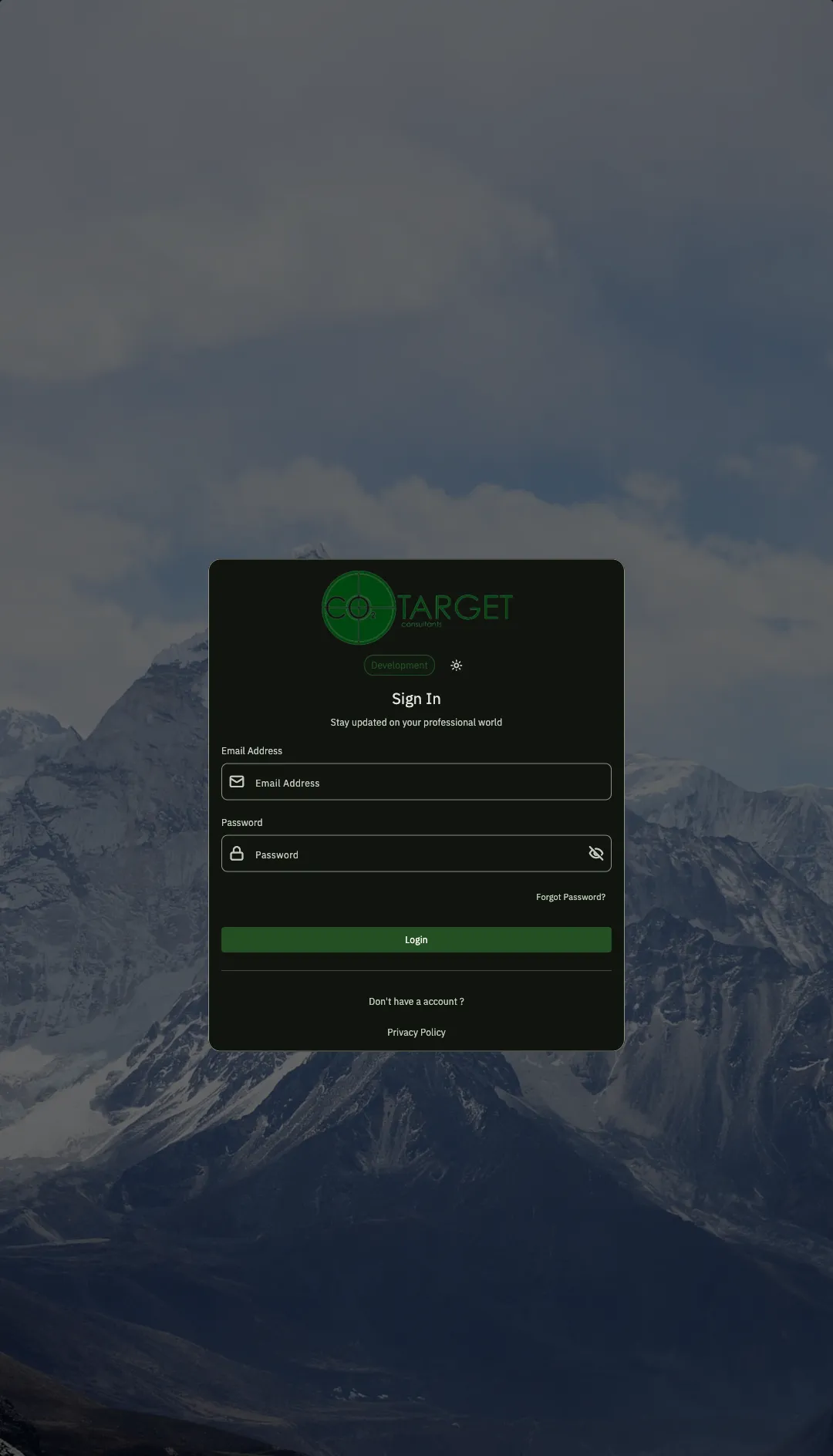
Section titled “Signing In”- Open the application in your browser
- Enter your email address and password
- Click Sign In
First Time?
Section titled “First Time?”If you don’t have an account yet, click Don’t have an account? to register. You’ll need:
- A valid email address
- A password (at least 8 characters)
After registering, check your email for a verification link before signing in.
The Dashboard
Section titled “The Dashboard”After signing in, you’ll land on your Dashboard. This is your home base where you can:
- See your Recent Estates at a glance
- Create new estates
- Navigate to any part of the system
If Your Dashboard is Empty
Section titled “If Your Dashboard is Empty”When you first log in, your dashboard will be empty. That’s normal! Your next step is to create your first estate.
What’s Next?
Section titled “What’s Next?”Now that you’re logged in, here’s what to do next:
- Create Your First Estate - Set up your first property portfolio
- Add a Site - Add buildings or locations to your estate
- Upload a Floor Plan - Visualize your spaces
- Place Some Assets - Start tracking equipment
Getting Help
Section titled “Getting Help”- Profile Menu - Click your profile icon (top-right) to access settings or log out
- This Documentation - Browse the sidebar for detailed guides on every feature